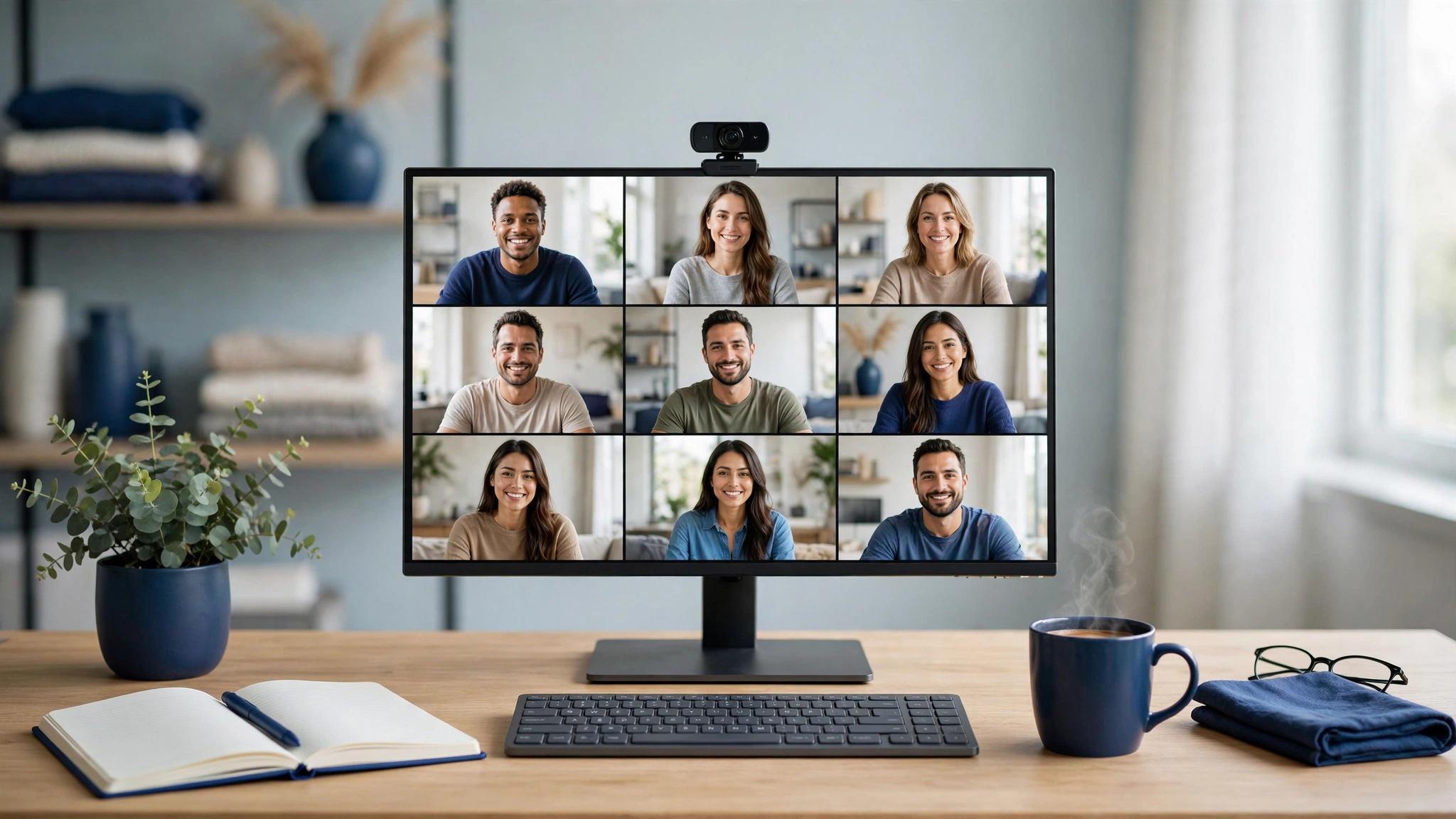
Your face is your storefront. Clients decide whether to trust you partly on how you look and sound on a video call — and a grainy, backlit laptop camera quietly undermines you on every single one. A decent webcam is one of the cheapest upgrades a freelancer can make to how professional they appear.
This guide compares the three webcams UK freelancers actually buy, judged on what matters for client calls rather than streaming specs: image quality in ordinary home-office light, microphone clarity, ease of setup, and price.
How we judged them
- Image quality in real rooms — not studio lighting. Most freelancers work in a spare bedroom with one window; the camera has to cope with that.
- Microphone quality — clients hear you more than they study you. Clean audio matters at least as much as the picture.
- Autofocus and framing — staying sharp when you lean in, and staying in frame when you move.
- Privacy — a physical shutter or clear off-switch. Freelancers are rightly paranoid about this.
- Price — three honest tiers, from the sensible default to the premium pick.
Webcam prices move constantly — check the live price on Amazon UK before buying; the links below take you straight to the current listing.
Best value: Logitech C920s
The C920s has been the default webcam recommendation for the better part of a decade, and it is still the right answer for most freelancers. Full HD 1080p video at 30 frames per second, stereo microphones, automatic light correction for dim rooms, and a proper physical privacy shutter — everything a client call needs, nothing it doesn’t.
Why freelancers love it: it just works. Plug it into any laptop over USB and every meeting app — Zoom, Teams, Meet — recognises it instantly, on Windows and Mac. The light correction genuinely helps in the typical freelancer setup (desk facing away from the window, one sad ceiling light). The privacy shutter is a physical slide, not software, so you know it is off. And it sits in the budget tier, which makes it an easy business expense to justify.
The honest drawbacks: the microphones are serviceable, not great — fine for calls, but if you record video content or podcasts, you will want a separate microphone. Autofocus can hunt in low light, and the field of view is fixed, so what you see is what the client gets. It is 1080p in a world where 4K exists — which, for video calls, genuinely does not matter (more on that below).
Verdict: the rational default. If you are still on your laptop’s built-in camera, this is the single biggest upgrade per pound you can buy.
Check the current price of the Logitech C920s on Amazon UKBest all-rounder: Logitech Brio 500
The Brio 500 is Logitech’s step-up model, and the step up is aimed squarely at people who live on video calls. Full HD with auto-framing that keeps you centred when you shift around, a Show Mode that tilts the view down to your desk when you want to show documents or sketches, noise-reducing microphones, and a privacy shutter — all over a modern USB-C connection.
Why freelancers love it: auto-framing sounds like a gimmick until you use it — no more drifting half out of frame when you lean back to think. Show Mode is genuinely useful for freelancers who sketch, review printouts, or walk clients through physical documents: tilt the camera down and it flips the view without you unplugging anything. The noise-reducing mics do a better job than the C920s at keeping keyboard clatter out of the call. USB-C means one fewer dongle on a modern laptop.
The honest drawbacks: it costs more than the C920s for improvements you may not notice if your calls are mostly static talking heads. The auto-framing can feel slightly robotic if you fidget. And like every webcam, it still needs reasonable light — no camera fixes a pitch-black room.
Verdict: the sweet spot if video calls are your working day. The framing and Show Mode features earn their keep for client-facing freelancers.
Check the current price of the Logitech Brio 500 on Amazon UKBest premium pick: OBSBOT Tiny 2
The OBSBOT Tiny 2 is the wildcard — a 4K webcam with a gimbal-mounted lens that physically follows you around the room. AI tracking keeps you in frame as you move, gesture control lets you zoom or switch tracking modes with a hand signal, and voice control handles the basics hands-free. The large 1/1.5-inch sensor and HDR light correction are aimed at people who care about image quality beyond the call.
Why freelancers love it: if you present standing up, teach, run workshops, or record video content, the tracking is transformative — you move naturally and stay framed. The 4K resolution matters less for live calls (which compress everything anyway) and more if you record: you can crop and zoom in editing without the image falling apart. Gesture control means no fumbling for buttons mid-presentation.
The honest drawbacks: it is firmly the premium tier — several times the price of the C920s — and for pure sit-down client calls, most of that buys you features you will never use. The tracking needs a moment to lock on, and the companion software adds a setup step the Logitechs don’t have. This is a specialist tool, not a default.
Verdict: buy it if you present, teach, or create video — the tracking earns its price. For ordinary client calls, the Logitechs are the saner spend.
Check the current price of the OBSBOT Tiny 2 on Amazon UKSide-by-side comparison
| Logitech C920s | Logitech Brio 500 | OBSBOT Tiny 2 | |
|---|---|---|---|
| Price tier | Budget | Mid-range | Premium |
| Resolution | Full HD 1080p | Full HD 1080p | 4K |
| Auto-framing / tracking | No | Auto-framing | AI tracking (PTZ gimbal) |
| Connection | USB-A | USB-C | USB-C |
| Standout feature | Reliability + price | Show Mode for desk demos | Follows you around the room |
| Best for | Everyday client calls | Heavy call schedules | Presenters + video creators |
Which one should you buy?
- Upgrading from a laptop camera → Logitech C920s. The biggest jump in professionalism for the least money.
- Calls all day, every day → Logitech Brio 500. Auto-framing and better mics pay off across hundreds of calls.
- You present, teach, or record → OBSBOT Tiny 2. The tracking is a genuine superpower for moving presenters.
- Tightest possible budget → C920s again. A budget webcam with good light beats a premium webcam in a dark room.
Buying advice: light matters more than the camera
Before you spend anything, fix your lighting — it makes a bigger difference than any camera upgrade. Face a window if you can; if you can’t, a cheap desk lamp bounced off a wall beats an expensive webcam in a dark room. Then: mount the camera at eye level (a stack of books works), sit an arm’s length away, and check your background once. Clients forgive 1080p. They don’t forgive a silhouette.
One practical note: buy from a seller with free returns (Amazon UK offers them on all three above). Webcam image quality is hard to judge from specs — test yours in your actual room, on your actual calls, within the return window.
Frequently asked questions
Is a 4K webcam worth it for video calls?
For live calls, mostly no — Zoom, Teams and Meet compress your video well below 4K anyway, so clients won’t see the difference. 4K earns its keep if you record video (courses, YouTube, demos), where you can crop and zoom in editing. For pure client calls, a good 1080p camera with decent light wins.
Will these work with my Mac / Windows laptop?
Yes. All three work with Windows and macOS, and with Zoom, Microsoft Teams, Google Meet, Skype and FaceTime. They are plug-and-play USB devices — no drivers to install for basic use (the OBSBOT’s advanced tracking features use its companion app).
Should I just use my laptop’s built-in camera?
You can, but it is the weakest link in how clients perceive you: small sensor, bad angle (looking up your nose from desk level), and poor low-light performance. A budget external webcam at eye level is a visible step up on every call.
Do I still need a separate microphone?
For calls, the Brio 500’s noise-reducing mics and even the C920s’s stereo mics are fine. If you record anything clients will replay — course videos, demos, podcasts — a dedicated USB microphone is a worthwhile separate upgrade.
More home-office guides
- Black Friday 2026: the freelancer’s home-office deal guide
- Best noise-cancelling headphones for freelancers
- Best portable monitors for freelancers
Sources
- Amazon UK product listings (checked October 2026 — always verify the current price on the product page before buying)