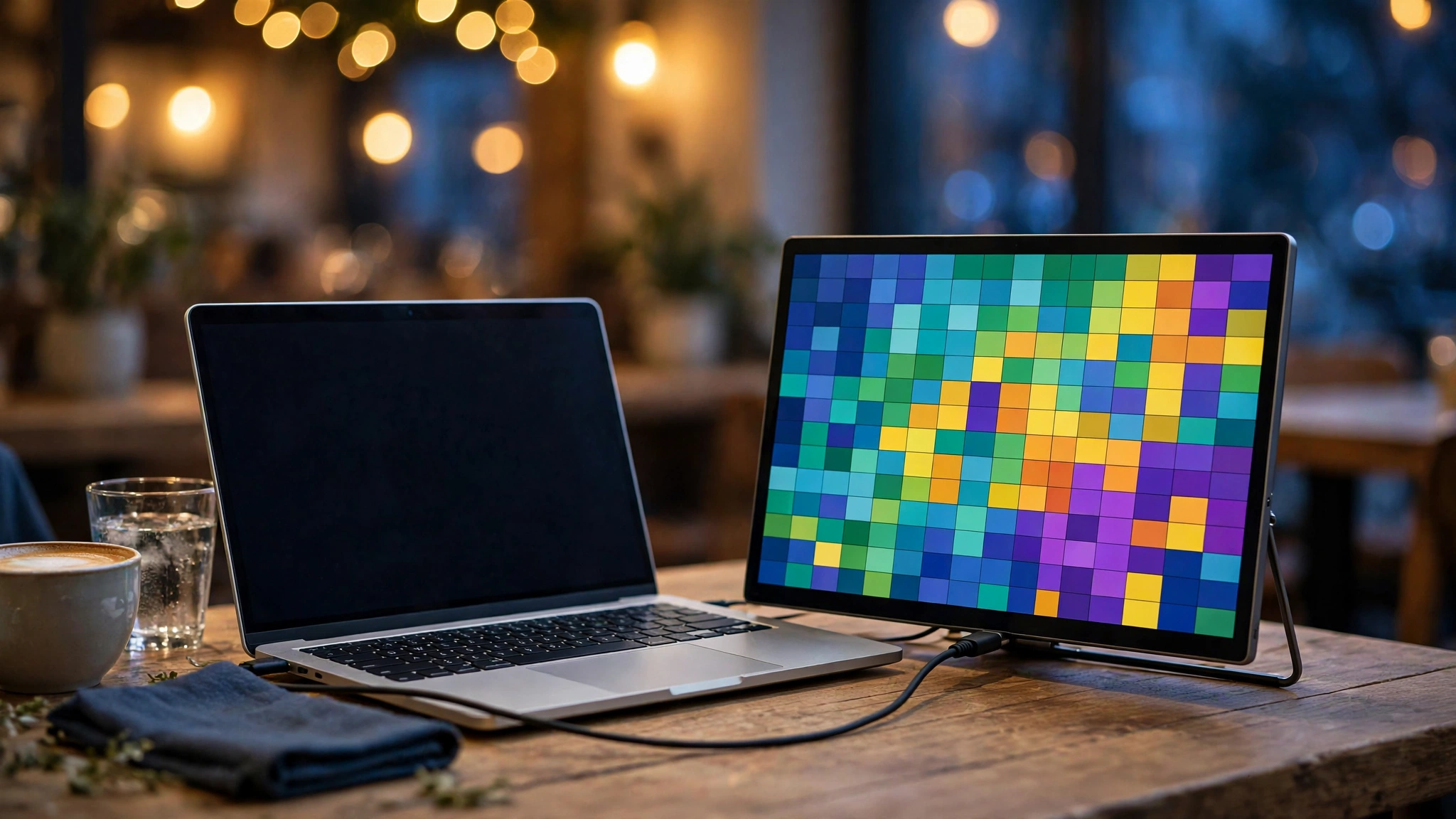
One screen is a bottleneck. As a freelancer, your working day is reference material on one side and actual work on the other — brief on the left, draft on the right; spreadsheet here, invoice there. A portable monitor gives you that second screen anywhere: client offices, co-working spaces, cafés, trains.
This guide compares the three portable monitors UK freelancers actually buy: all 15.6-inch, all Full HD, all designed to live in a laptop bag. They are judged on what matters for mobile work — single-cable setup, weight and bulk, the stand situation, and connectivity.
How we judged them
- Single-cable USB-C — the whole point of a portable monitor. One cable for video and power, no brick in your bag.
- Portability — weight and thickness. If it doesn’t fit comfortably in your laptop bag, you won’t carry it.
- The stand — the most underrated feature. A monitor you can’t prop up reliably is useless; built-in stands beat origami covers.
- Connectivity — USB-C is standard, but an HDMI option matters if your laptop’s USB-C doesn’t carry video.
- Screen quality — all three are Full HD IPS panels, which is the right baseline for text and spreadsheets on the move.
Portable monitor prices move constantly — check the live price on Amazon UK before buying; the links below take you straight to the current listing.
Best value: ASUS ZenScreen MB166C
The ZenScreen MB166C is the default portable monitor for a reason: 15.6-inch Full HD IPS, a single USB-C cable for video and power, flicker-free panel with a blue-light filter for long days, and a smart cover that doubles as a stand — all in the budget tier.
Why freelancers love it: the setup is genuinely one cable. Plug it into your laptop’s USB-C port and you have a second screen in seconds — no power brick, no configuration. The blue-light filter and flicker-free panel matter more than they sound when you are staring at text for eight hours. The smart cover protects the screen in your bag and folds into a stand on a desk. For café and co-working work, this is the formula that works.
The honest drawbacks: the cover-stand is functional, not great — it works on a flat desk and nowhere else, and it only gives you one or two usable angles. There is no HDMI input, so if your laptop’s USB-C port doesn’t carry video (check before you buy), this monitor won’t work for you. And the built-in speakers on portable monitors are universally an afterthought — use headphones.
Verdict: the rational default. The most popular portable monitor in its class, and the one to beat for mobile dual-screen work.
Check the current price of the ASUS ZenScreen MB166C on Amazon UKBest for desk setups: ViewSonic VG1655
The ViewSonic VG1655 takes the same 15.6-inch Full HD IPS formula and fixes the stand problem: it has a proper built-in stand with adjustable tilt, dual speakers, two USB-C ports with 60W power delivery, and a mini-HDMI input — which makes it the most versatile of the three.
Why freelancers love it: the built-in stand is the headline. It props the monitor at a proper viewing angle on any desk, in portrait or landscape, with no origami cover to fight with. The mini-HDMI input means it works with older laptops, desktops, and even consoles — if your laptop’s USB-C doesn’t carry video, this is your safety net. Two-way USB-C power delivery can charge the monitor from your laptop or pass power through to it. The metal build feels like it will survive years of bag travel.
The honest drawbacks: it is the mid-range pick on price, and you are paying for versatility you might not need if your laptop has a proper video-capable USB-C port. The speakers exist; they are better than nothing for a quick call, and that is the kindest thing to say about them.
Verdict: buy it if you want one monitor that works everywhere — modern laptop over USB-C today, older hardware over HDMI tomorrow, proper stand wherever you land.
Check the current price of the ViewSonic VG1655 on Amazon UKBest proven alternative: ASUS ZenScreen MB16AC
The ZenScreen MB16AC is the earlier generation of the ASUS formula — 15.6-inch Full HD IPS, single-cable USB-C, eye-care panel — and it remains widely available. Functionally it is very close to the MB166C: same screen size, same resolution, same one-cable setup.
Why freelancers love it: it is the same proven concept as the MB166C. In practice, the buying advice is simple: check the live prices of both ASUS models on the day and buy whichever is cheaper. They do the same job — a second screen in your bag, one cable, no fuss.
The honest drawbacks: it is the older design, so when prices are equal the MB166C is the fresher pick. Like the MB166C it is USB-C only, so the same warning applies: confirm your laptop’s USB-C port carries video before buying. And the cover-stand is the same origami compromise.
Verdict: the smart fallback. If the MB166C is out of stock or priced higher when you check, this is the same job done well.
Check the current price of the ASUS ZenScreen MB16AC on Amazon UKSide-by-side comparison
| ASUS ZenScreen MB166C | ViewSonic VG1655 | ASUS ZenScreen MB16AC | |
|---|---|---|---|
| Price tier | Budget | Mid-range | Budget |
| Screen | 15.6" Full HD IPS | 15.6" Full HD IPS | 15.6" Full HD IPS |
| Video input | USB-C | USB-C + mini-HDMI | USB-C |
| Stand | Smart cover (folds) | Built-in adjustable stand | Smart cover (folds) |
| Speakers | Basic | Dual speakers | Basic |
| Eye comfort | Flicker-free + blue-light filter | Blue-light filter | Eye-care panel |
| Best for | Travel + cafés | Versatile desk setups | Whichever ASUS is cheaper |
Which one should you buy?
- Maximum portability, minimum fuss → ASUS ZenScreen MB166C. One cable, in the bag, done.
- One monitor for every situation → ViewSonic VG1655. The stand and HDMI input cover the cases the ASUS models don’t.
- Best price on the day → compare the two ASUS models live and take the cheaper one. They are functionally interchangeable.
- Older laptop without video-capable USB-C → ViewSonic VG1655. The mini-HDMI input is the only one of the three that helps you.
Buying advice: check your USB-C port first
This is the step people skip: not every USB-C port carries video. Your laptop’s USB-C port needs to support DisplayPort Alt Mode (sometimes labelled with a small monitor icon next to the port) for the single-cable USB-C monitors to work. Check your laptop’s specs before ordering — if your port is data-and-charging only, you need the ViewSonic’s HDMI input or a docking station.
Two more practical notes. First, a portable monitor draws power from your laptop over USB-C, so expect your battery to drain faster — fine for desk work near a socket, worth knowing on a train. Second, these panels are designed for indoor use: fine in a café or a shaded spot, but you’ll struggle in direct sunlight — for outdoor work in summer, sit in the shade.
Buy from a seller with free returns (Amazon UK offers them on all three above). Test the monitor with your actual laptop, your actual cables, within the return window — compatibility surprises are the main reason these get returned.
Frequently asked questions
Will a portable monitor work with my laptop?
If your laptop has a USB-C port that supports video output (DisplayPort Alt Mode), yes — one cable handles video and power. If it doesn’t, choose a model with HDMI input (the ViewSonic VG1655 here) and connect over HDMI, with USB-C or a separate cable for power. When in doubt, check your laptop manufacturer’s specs page for the port details.
Can my laptop power the monitor, or do I need a plug?
Your laptop can power it over the same USB-C cable — that’s the standard setup. The trade-off is battery life: the monitor draws a few watts continuously, so a full working day on battery alone is optimistic. Near a socket, it’s a non-issue.
Is 15.6 inches big enough for a second screen?
For the jobs a second screen does — reference documents, chat, email, preview windows — yes. It matches most laptop screens, so windows move between the two without resizing weirdness. If you want a big canvas for design or video timelines, you want a desk monitor, not a portable one.
Do I need a touchscreen portable monitor?
Probably not. Touchscreens cost more, drain more battery, and add glossy reflections. Unless you sketch, annotate, or present with touch, skip it — the money is better spent on the stand and panel quality.
More home-office guides
- Black Friday 2026: the freelancer’s home-office deal guide
- Best noise-cancelling headphones for freelancers
- Best webcams for freelancers
Sources
- Amazon UK product listings (checked October 2026 — always verify the current price on the product page before buying)